Open any PDF, from anywhere
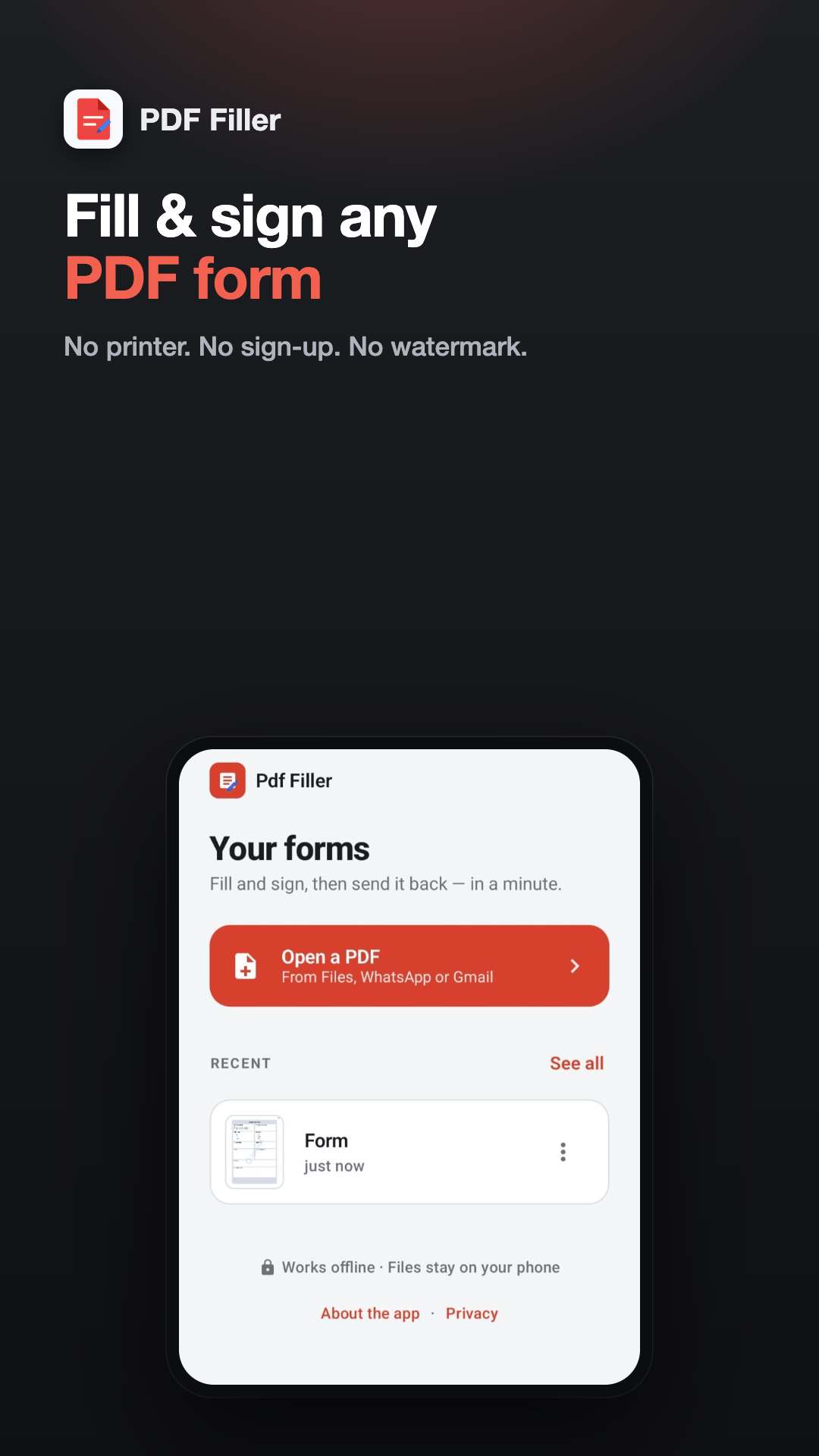
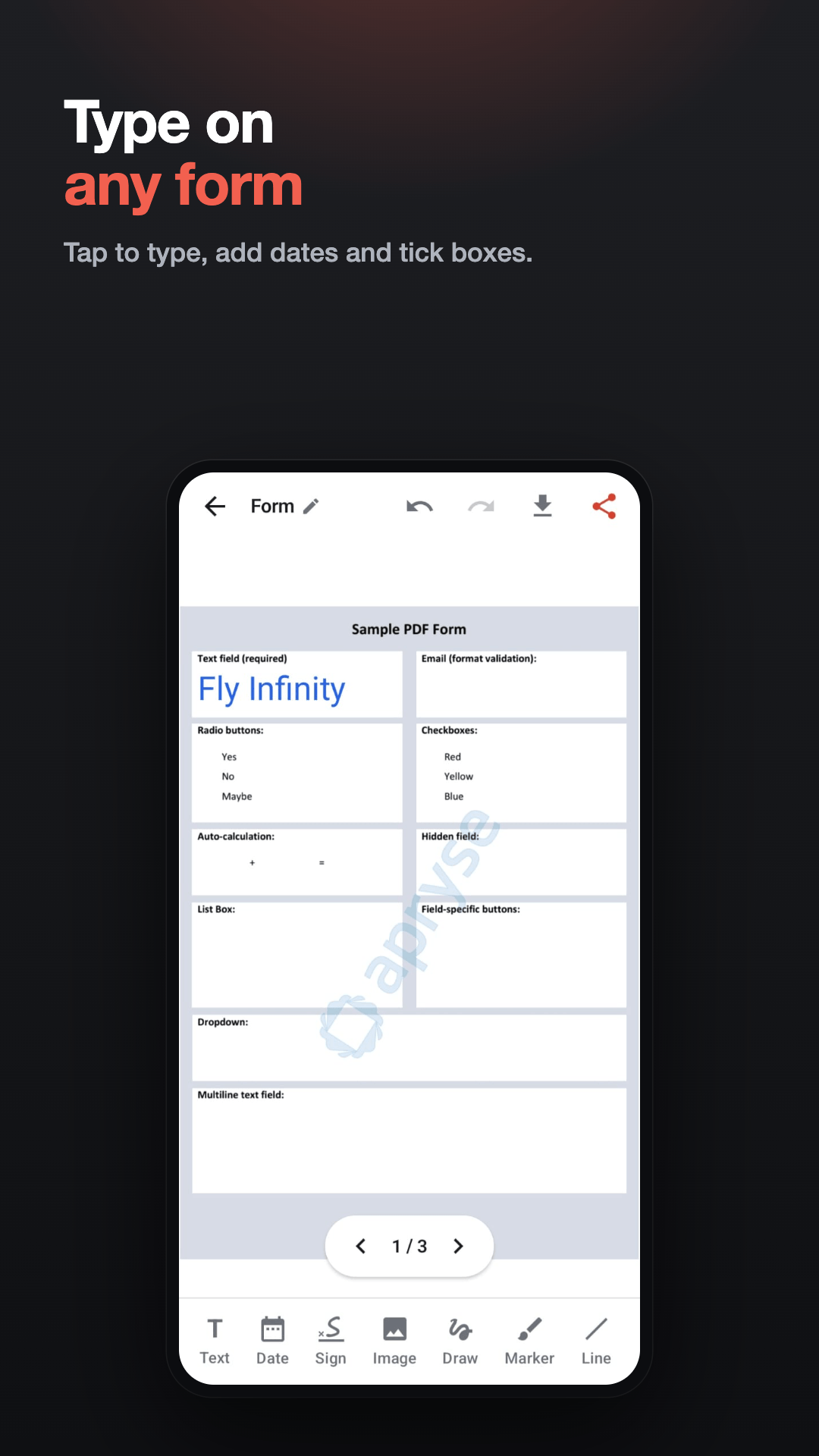
Straight from Files, WhatsApp, Gmail or any app via "Open with". No import step, no conversion, no upload. Pinch to zoom for the fiddly bits and swipe through a multi-page form.
Fill & sign PDF forms offline. Free PDF editor & signature app, no watermark.
Everything you add becomes part of the page itself, so the form arrives filled in for whoever opens it.
Key features
Everything below is in the app today. Nothing here is a roadmap item.
Straight from Files, WhatsApp, Gmail or any app via "Open with". No import step, no conversion, no upload. Pinch to zoom for the fiddly bits and swipe through a multi-page form.
Tap where you need it and type — name, address, email, any detail. Add today’s date with one tap or pick another, then move, resize and recolour anything you have added in black, blue, green or red.
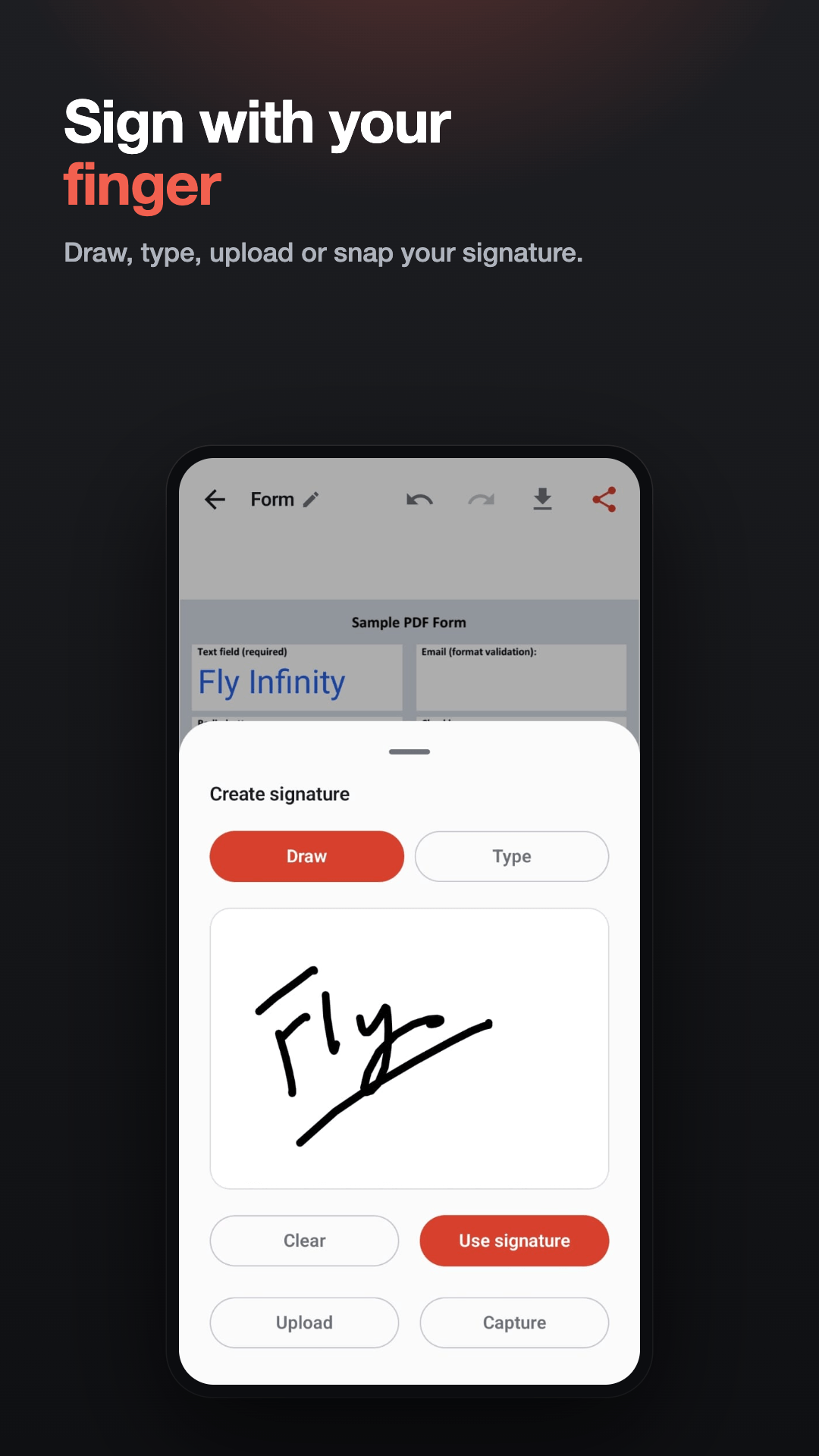
Draw your signature with a finger and reuse it on every form after that, type your name in a handwriting style, or use a photo of one you signed on paper — taken there and then, or picked from your gallery. The paper behind it is removed automatically, so what lands on the form is a clean, see-through signature.
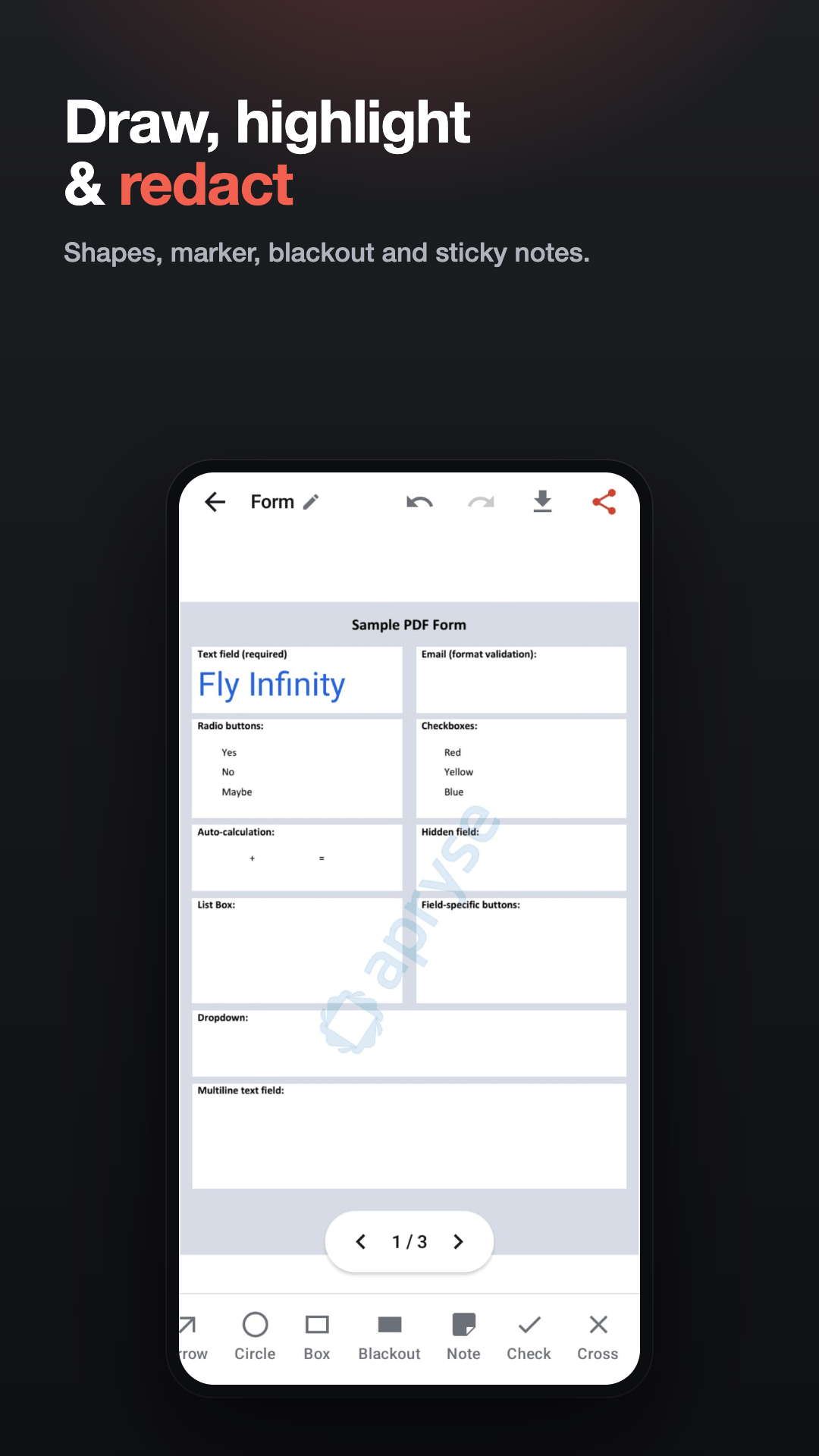
Drop checkmarks and crosses onto checkboxes, draw freehand, highlight a line, and add shapes — line, arrow, circle or rectangle — instead of fighting a text field.
Draw an opaque box over an account number or an address before you send the form on. It is flattened into the page, so no reader can switch it off — but it covers the text rather than removing it, so do not rely on it to hide something that must never be recovered.
Leave sticky notes and comments for whoever reads it next, or drop in a photo — a passport picture, an ID, any image — and position and resize it where it belongs.
Stop halfway and come back later; work is saved as you go. Rename the file before you send it, so what arrives is not DOC_20260817_scan.pdf.
Download the flattened PDF to your Downloads folder or share it straight to WhatsApp, Gmail or anywhere else. Nothing is stamped across it and nothing is held back for a paid tier.
What it looks like
Who it's for
Open it straight from the chat, type into it, sign it and send it back — without a printer, a scanner or a trip to anyone’s desk.
For bank, KYC or government paperwork that has to arrive as a clean PDF, not a photograph of a printed page taken at an angle.
Admission forms, permission slips and scholarship paperwork, finished on your phone in a few minutes on the evening they are due.
Draw your signature once and reuse it on every form after that, so a rental or consent form takes a minute rather than an afternoon.
Price
Free, with no subscription and no paid tier. One full-screen ad appears when you download or share a finished PDF — and if it cannot load, or you are offline, your file is still saved and shared normally.
Free to download from Google Play. No account, no sign-up.
PDF Filler: Fill & Sign Forms —Get it onGoogle PlaySmall print
Everything this app is committed to, in the documents that commit it.
Read exactly what stays on your phone, and precisely what the one outside company involved in this app can see.
The app is free and paid for by advertising rather than by you. Your documents never leave your phone — and a blackout covers what is under it rather than deleting it, which is the one thing to know before you send a form on.
Every third-party library inside this app, who holds its copyright, and the terms it is used under.